
Desktop App
Record any meeting from your Mac or Windows computer, with no bot in the call.
 No bot joins the call
- Works with any meeting app
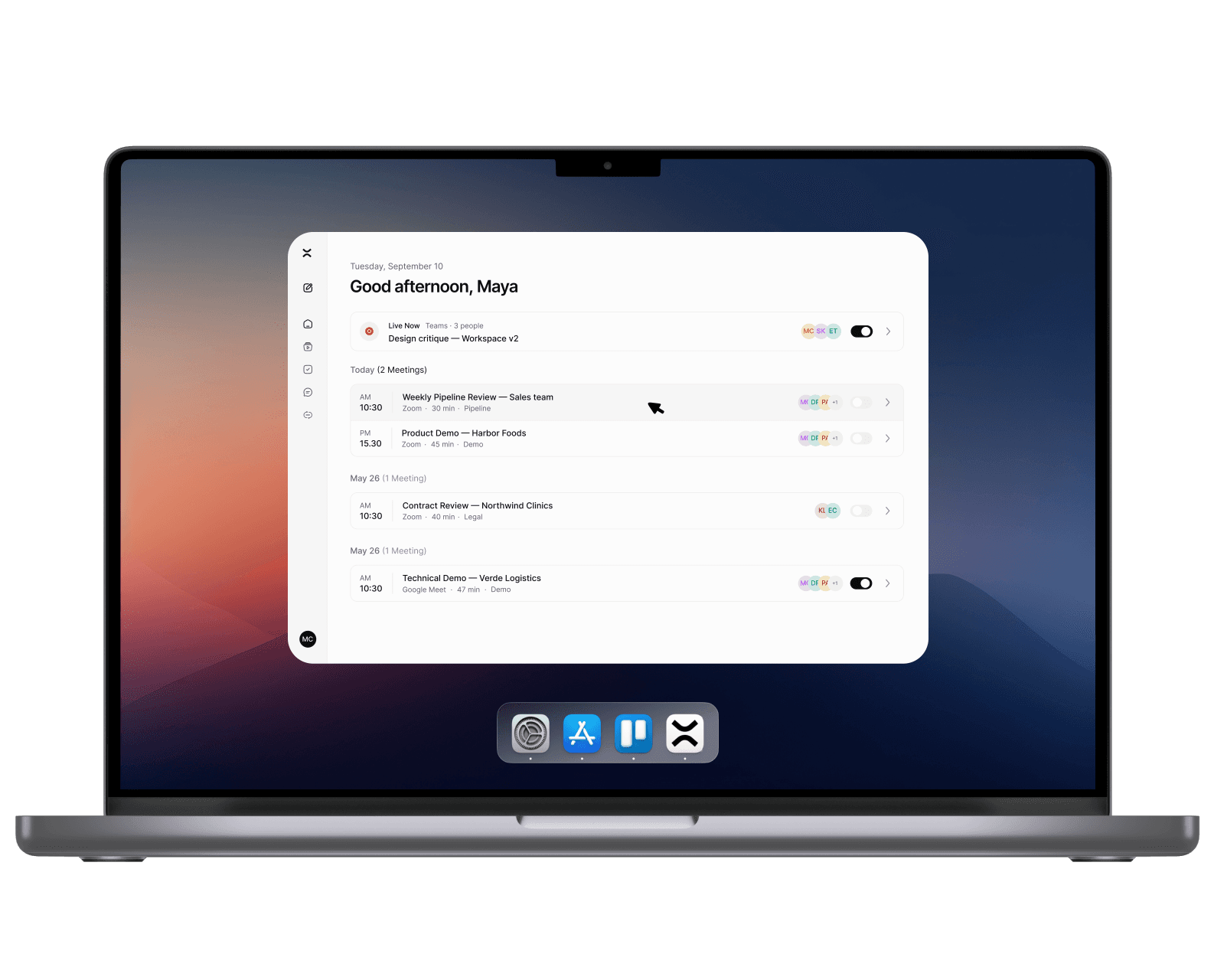
Teams at these companies take their notes with Reunia











How to use the desktop app
Start your first recording in under two minutes.
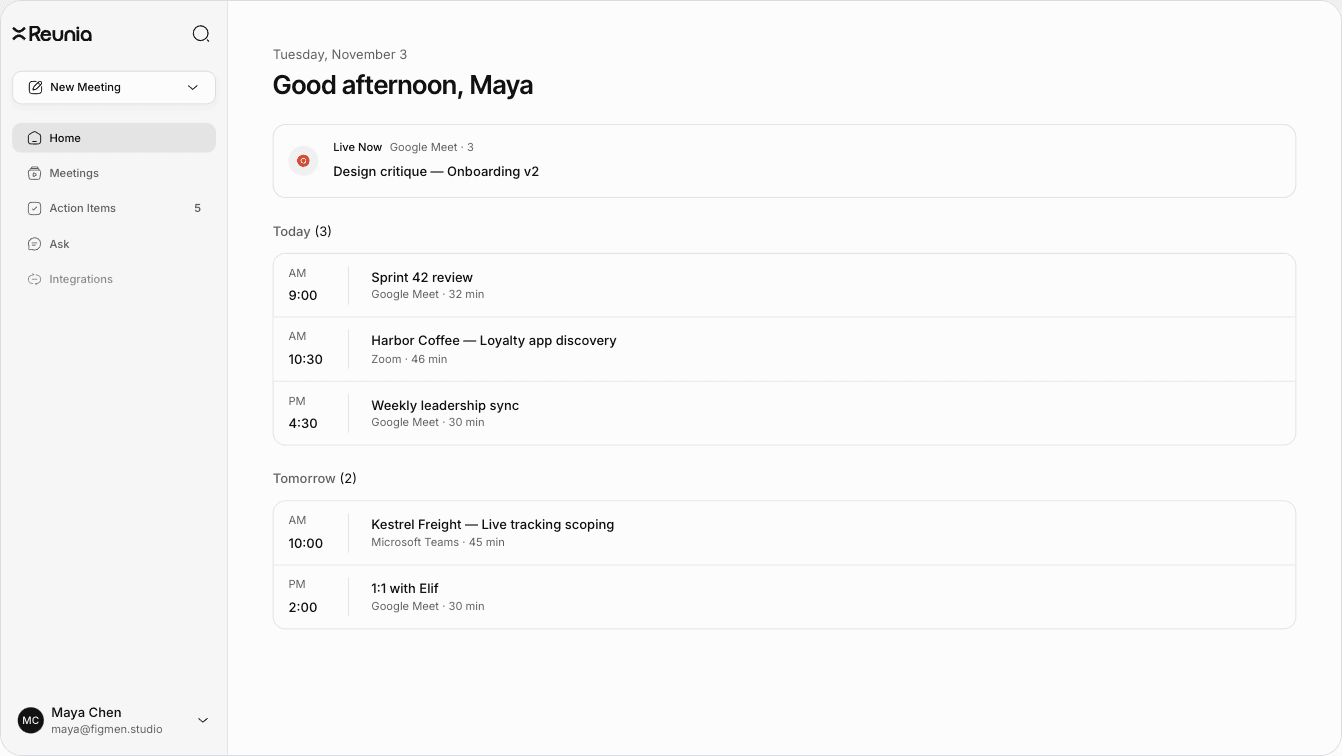
 1
Download and sign in
Install Reunia on your Mac or Windows computer and sign in with your Reunia account.
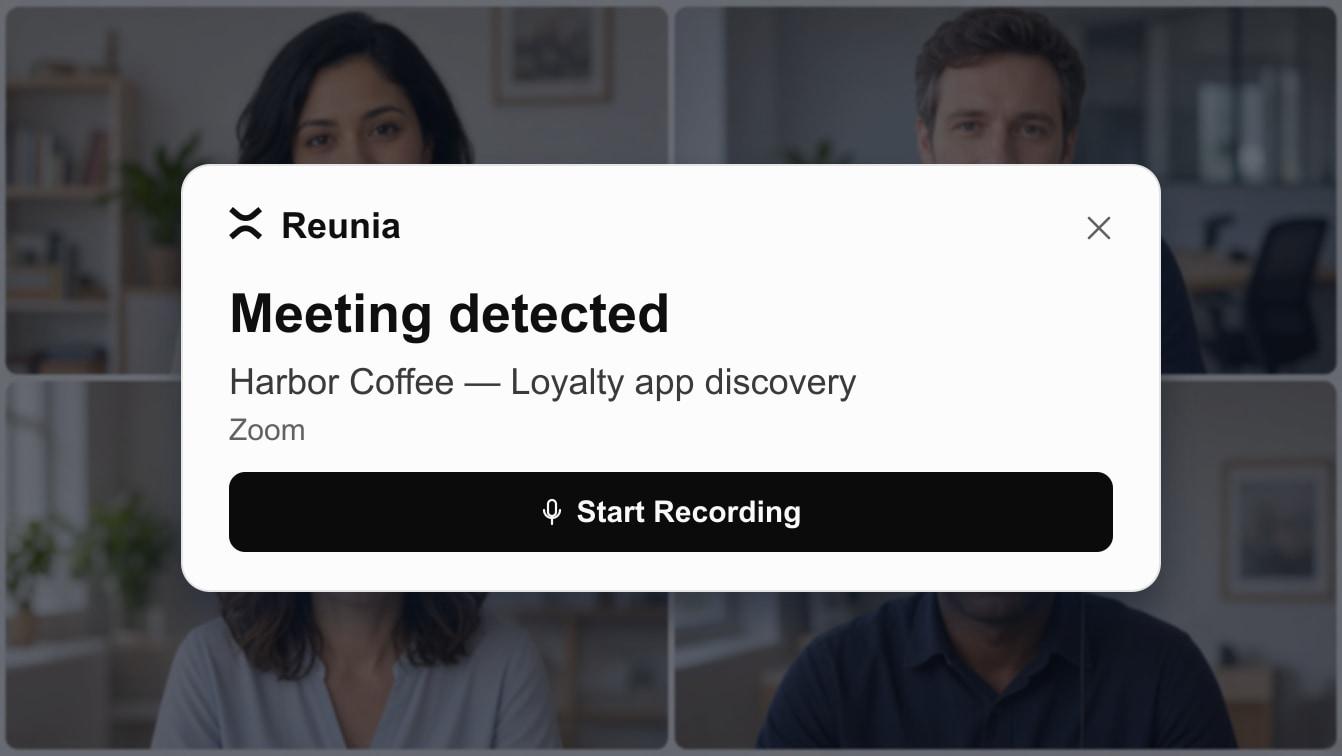 2
Press record
Click Record when the meeting starts. Reunia captures your microphone and your computer's audio.
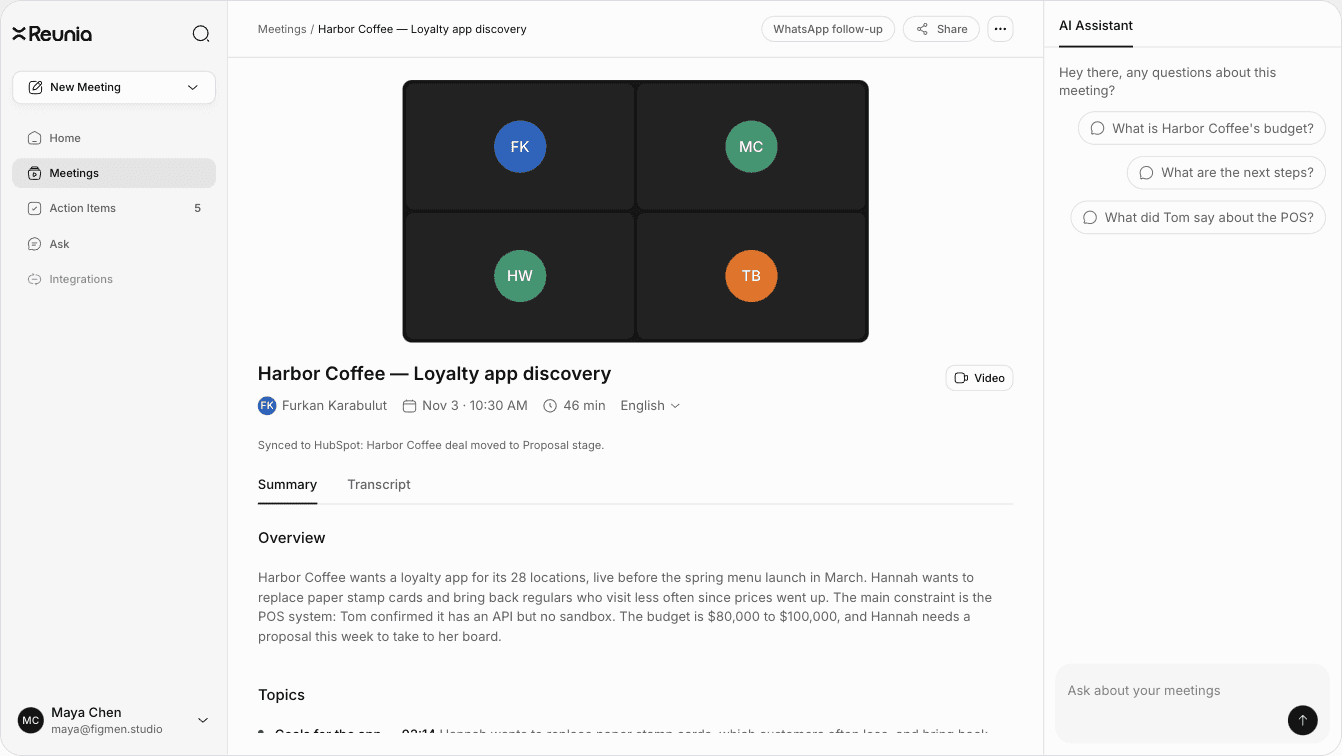 3
Stop and get your notes
Click Stop when you are done. Your notes, transcript, and action items are ready within minutes.
Why use the desktop app
The same notes as Reunia's meeting assistant, without anyone joining the call.
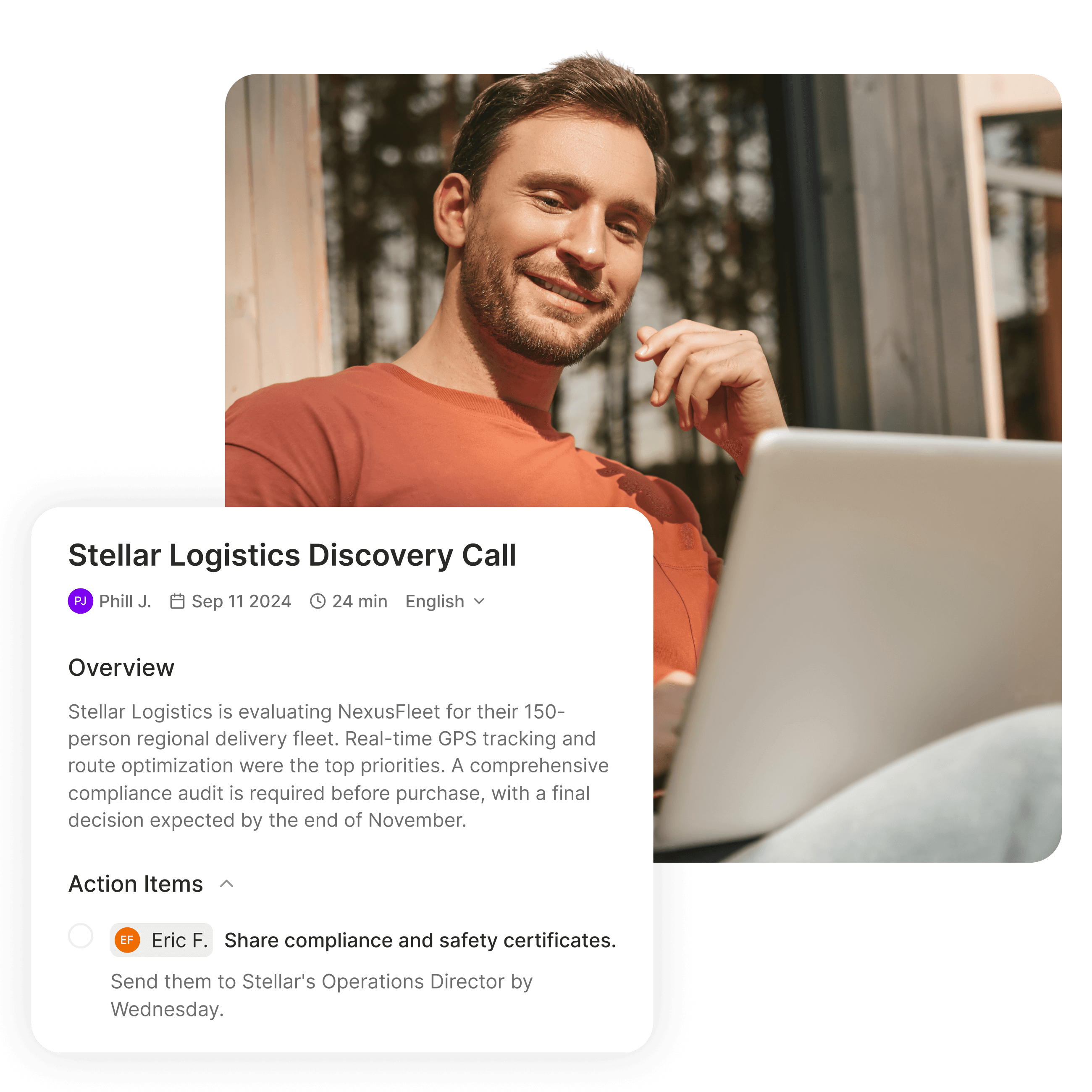

No bot in the call
Reunia records from your computer, so nothing joins the meeting and nothing shows up in the participant list.

Works with any app
Zoom, Google Meet, Teams, Slack huddles, or a webinar. If your computer can play it, Reunia can record it.

In-person meetings too
Put your laptop on the table and press record. Reunia captures everyone in the room through your microphone.

Same notes, one workspace
Desktop recordings get the same notes, transcript, and action items, right next to your other meetings.
No bot appears in the call, so it is up to you to tell people and get their consent where the law requires it. We suggest saying it at the start of every recording.
Record your next meeting without a bot.
Download the desktop app for Mac or Windows. Free forever, with 120 meeting minutes each month.